01
Cinematic
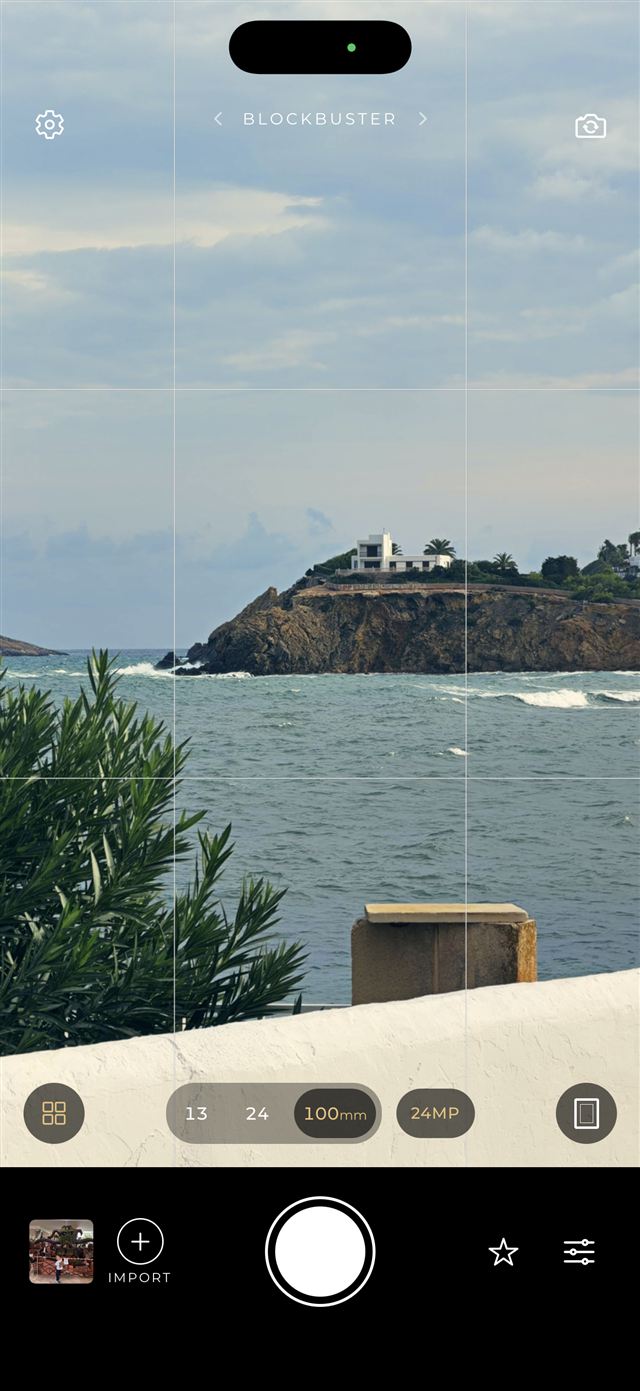
Every lens, from 13 to 100 mm
Switch between the ultra-wide, main and telephoto cameras of your iPhone with one tap. The recipe follows you on every lens, and on the front camera too.
Recipe Cam applies hand-crafted, film-inspired recipes live in the viewfinder. You see the final look before you shoot, and the photo is saved with it — no editing afterwards.
Swipe between hand-crafted recipes
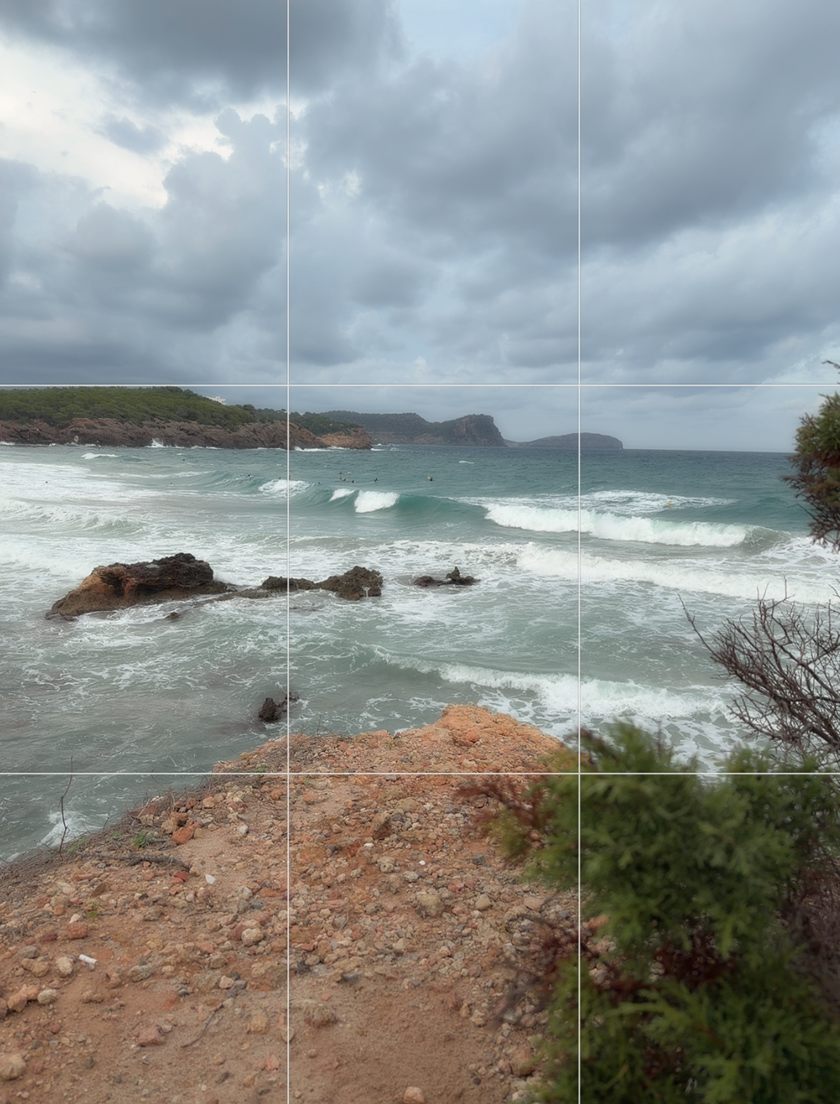
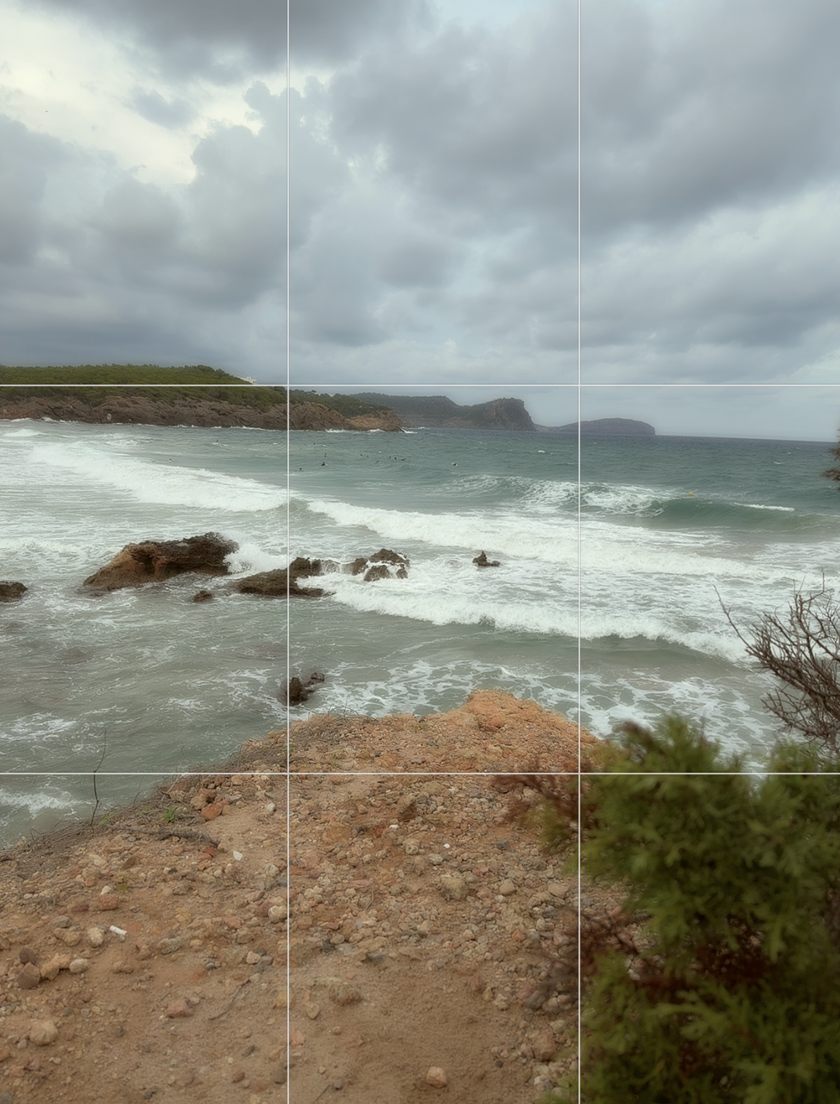
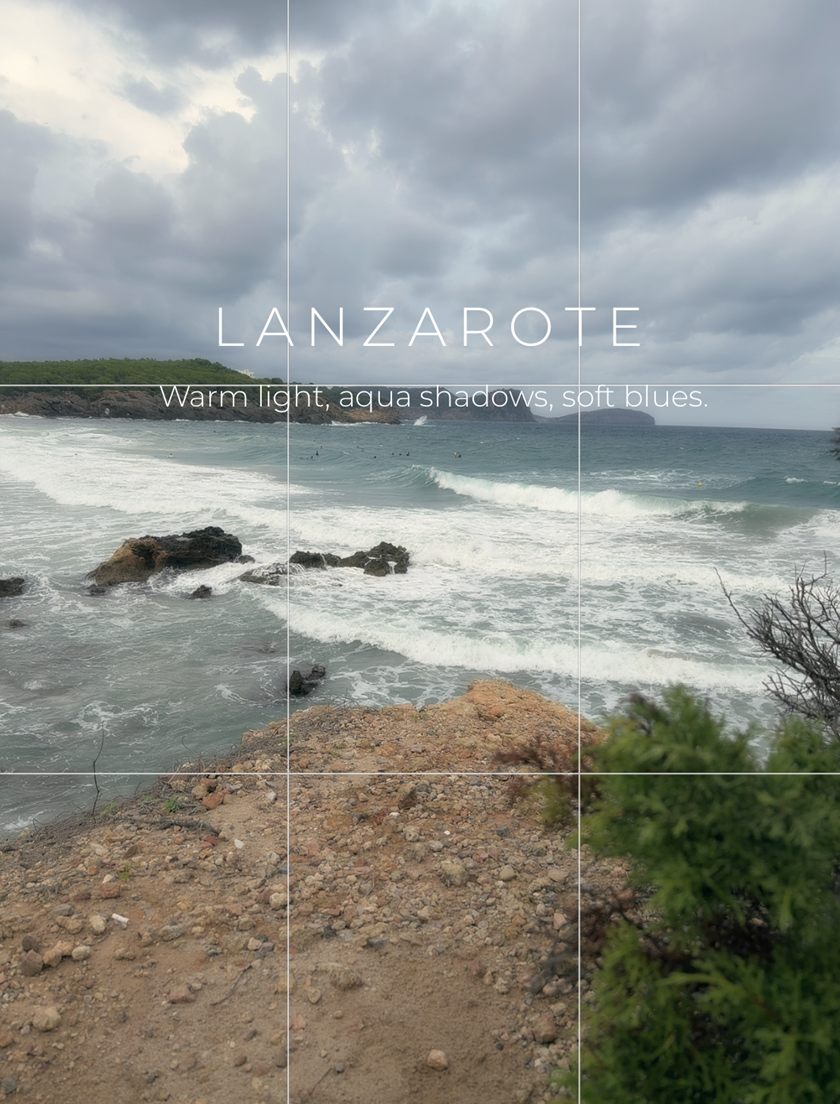
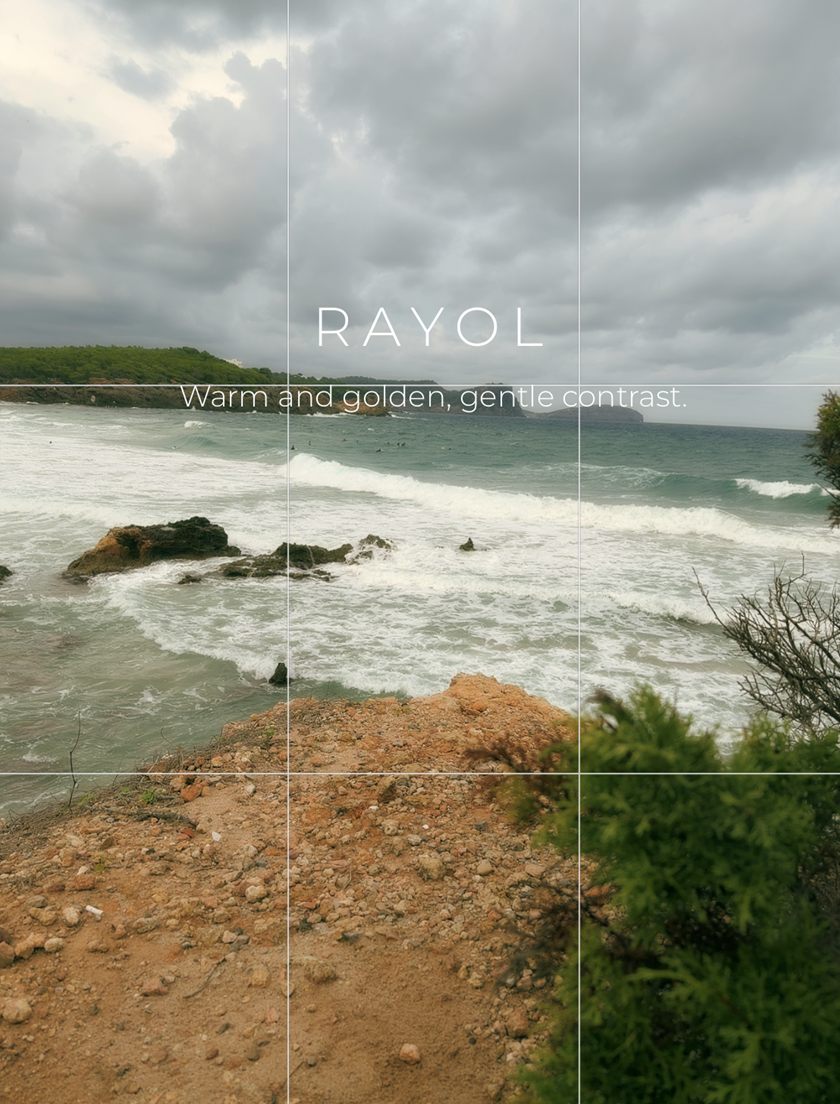
Switch between the ultra-wide, main and telephoto cameras of your iPhone with one tap. The recipe follows you on every lens, and on the front camera too.
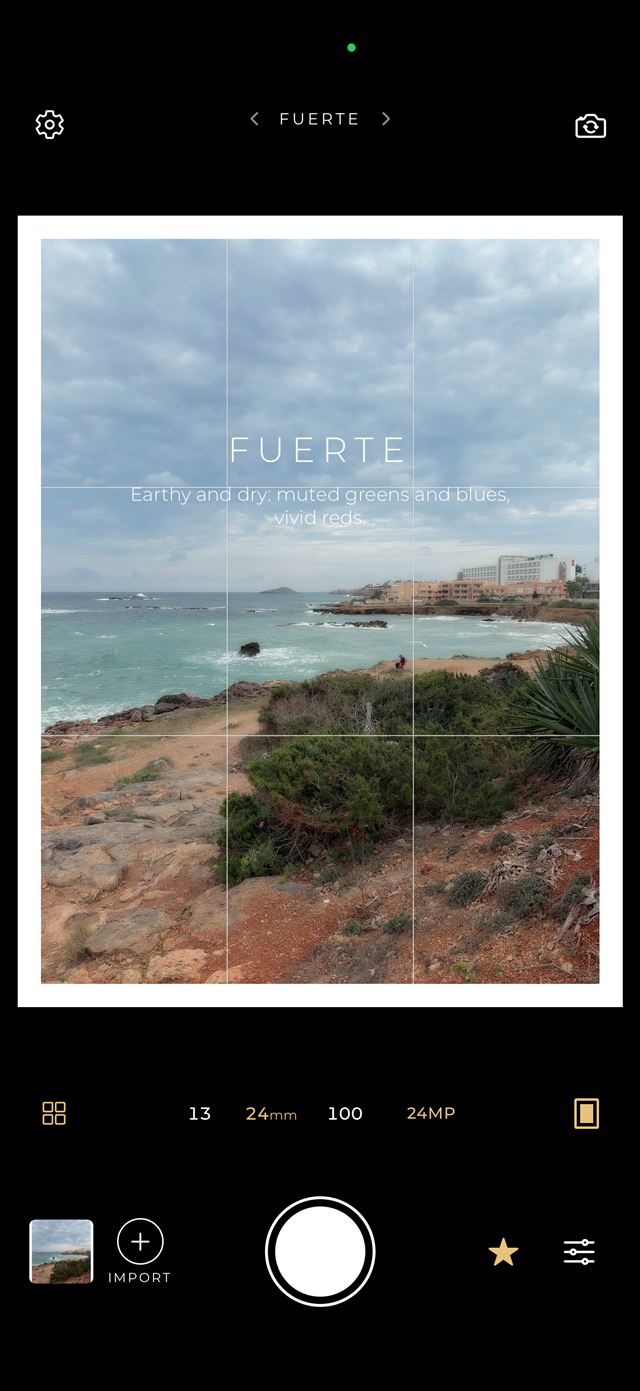
Compose like on a print, with an optional white border and rule-of-thirds grid. The recipe name and its character appear as you swipe.
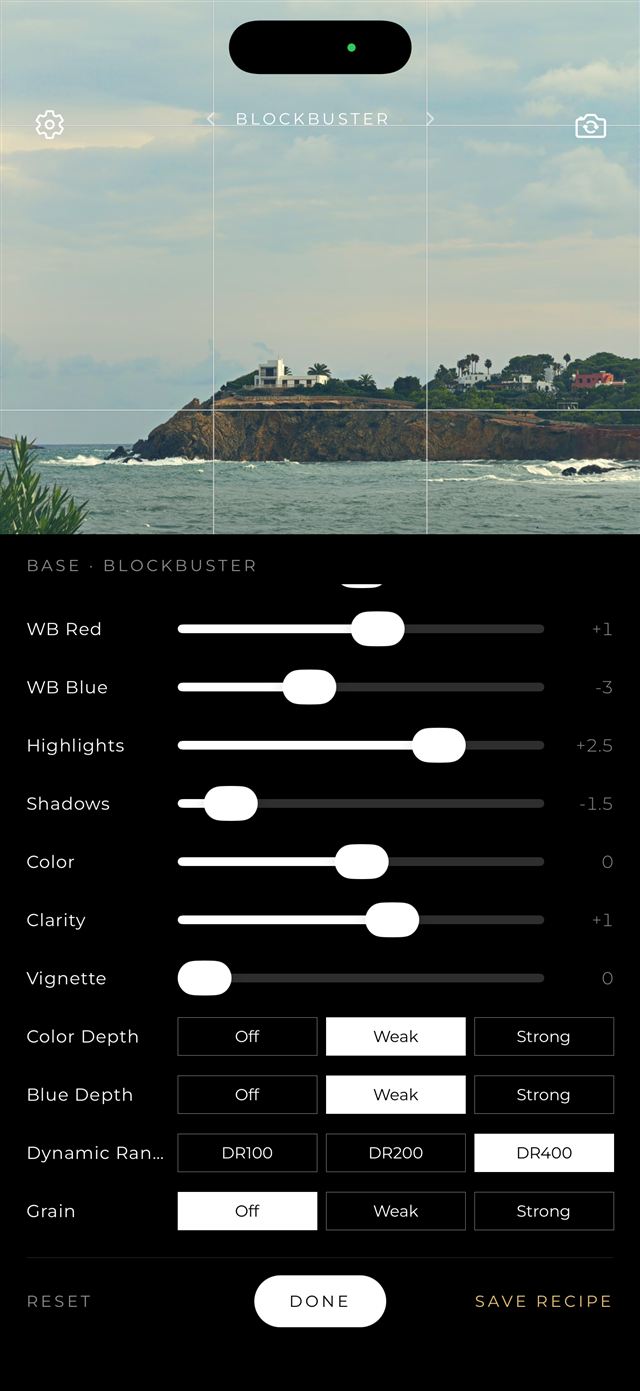
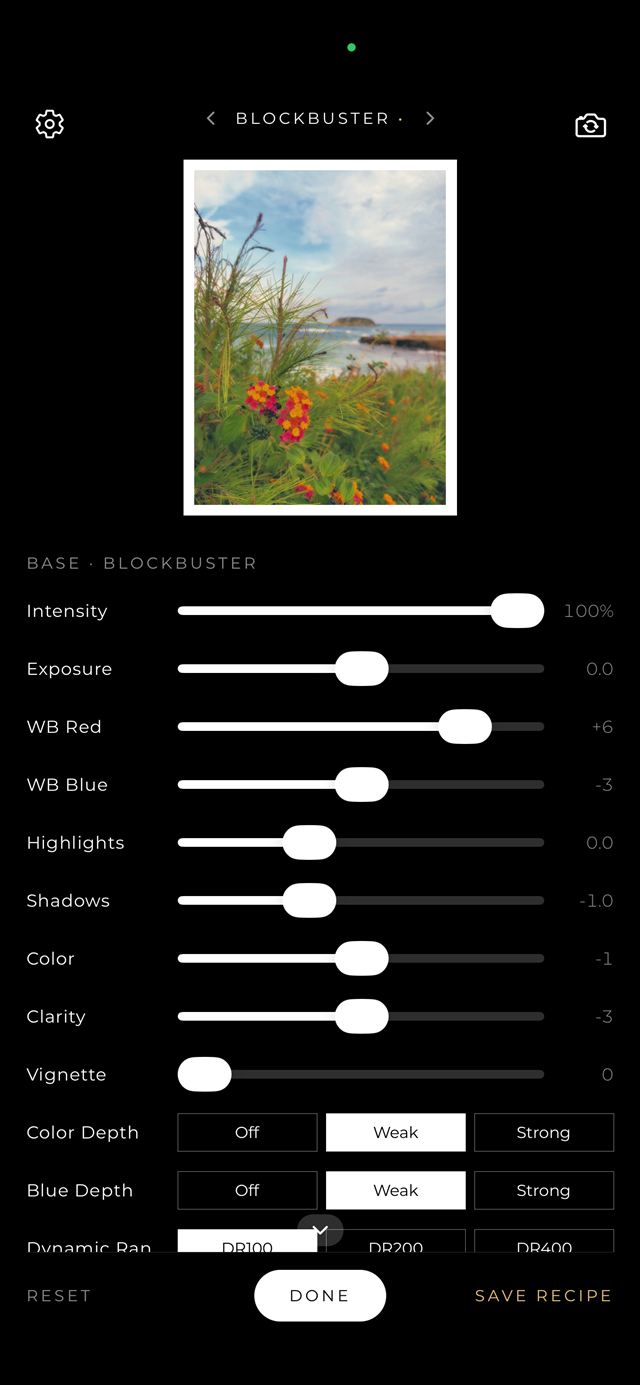
Every recipe is a starting point. Adjust it live, then save it as your own personal recipe.
Photos are processed at full resolution and saved straight to your library as 10-bit HEIC with HDR, so the colors you saw in the viewfinder are the colors you keep.
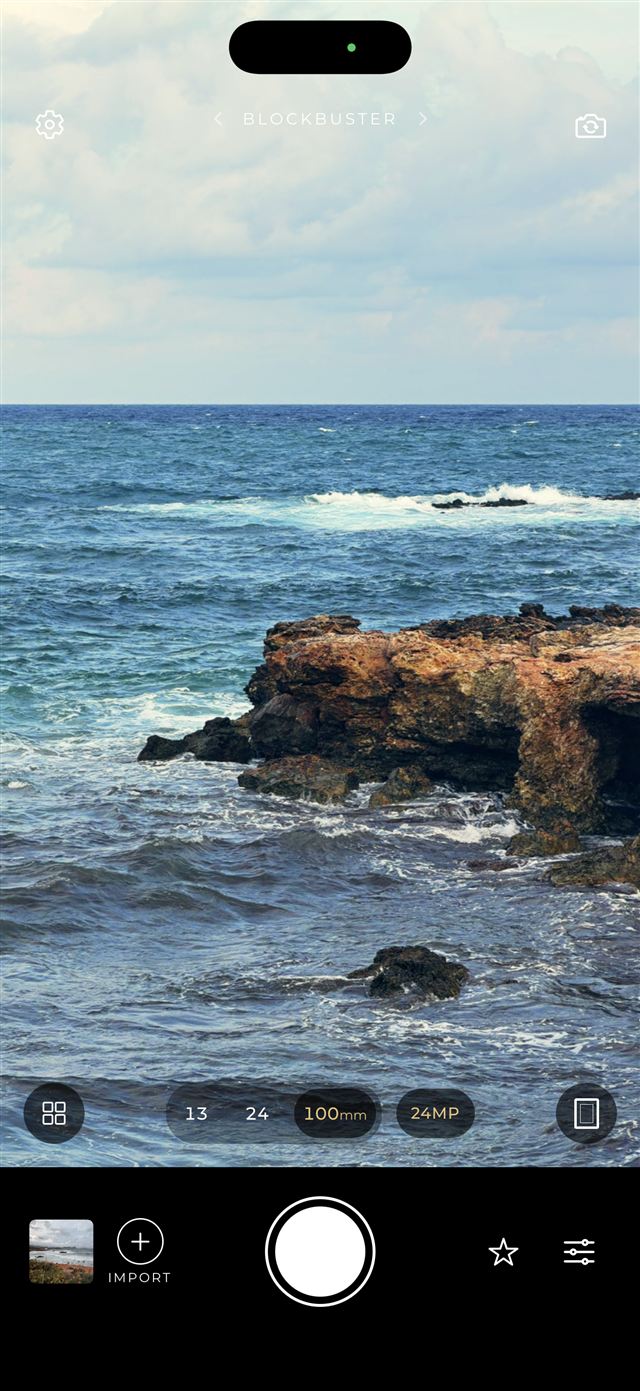
The app keeps the originals of your last 60 shots. Open one to try another recipe, tweak it, or turn it into a new recipe. You can import any photo from your library, too.
Inspired by film, cinema and the places I love
Your photos never leave your phone
Every photo is processed on your iPhone. Nothing is uploaded, ever.
Open the app and shoot. No sign-up, no email, no profile.
No analytics, no advertising, no data sold to anyone.
14 days, no payment needed
One payment a year, all new recipe packs included.
Flexible, cancel any time from your Apple ID settings.
Pay once, keep saving photos forever.
Questions, problems or ideas?
In the Photos app on your iPhone, with the recipe already applied. The original shot is also kept inside the app (the roll) so you can re-edit it later.
Saving photos requires an active subscription, the free trial or the lifetime purchase. Without it you can still try all recipes in the viewfinder.
Open Settings on your iPhone, tap your name, then Subscriptions, and choose Recipe Cam. Subscriptions are managed by Apple.
Use "Restore purchases" in the app, signed in with the same Apple ID.
Not at the moment: the base recipes are crafted by me and arrive with app updates. You can create unlimited personal recipes from them with the sliders.
Write to me and I will get back to you as soon as possible:
lorenzoclerici84@gmail.com